AI Eye Color Changer
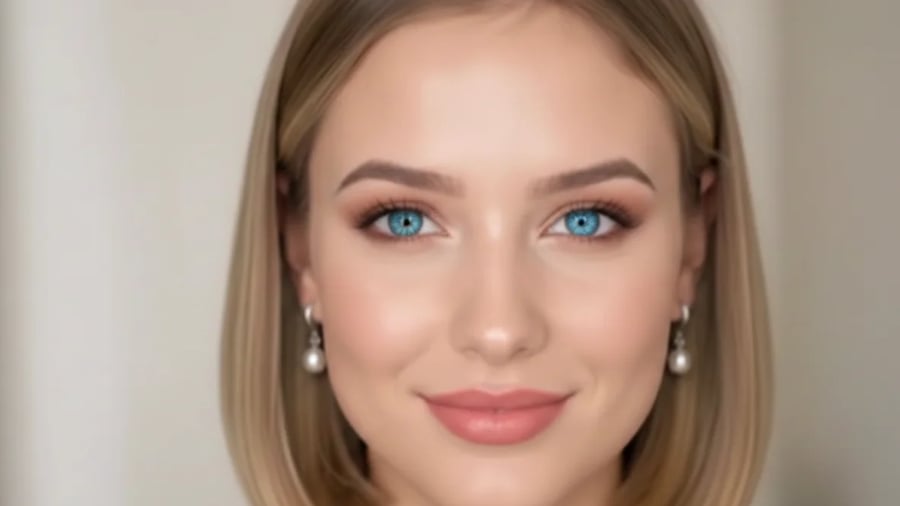 BeforeAfter
Best Examples
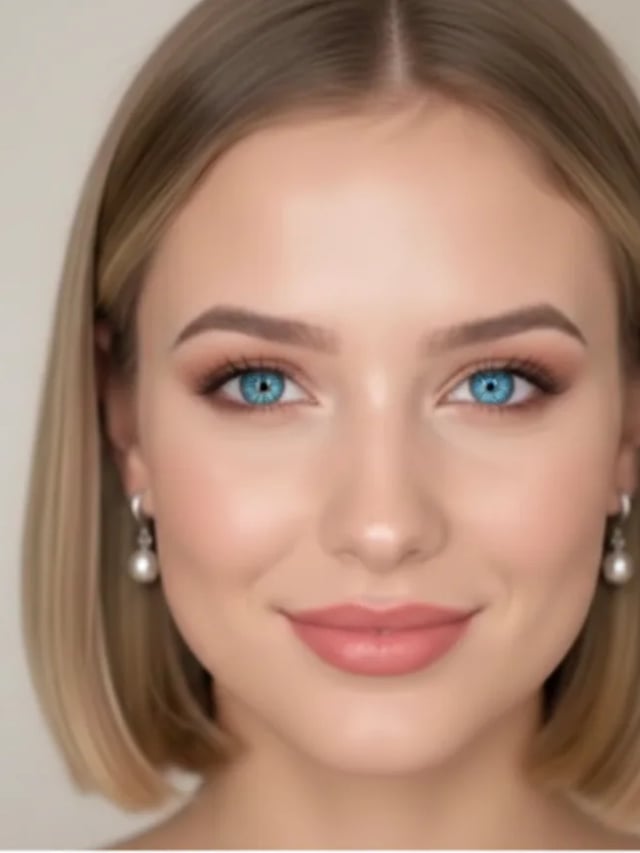
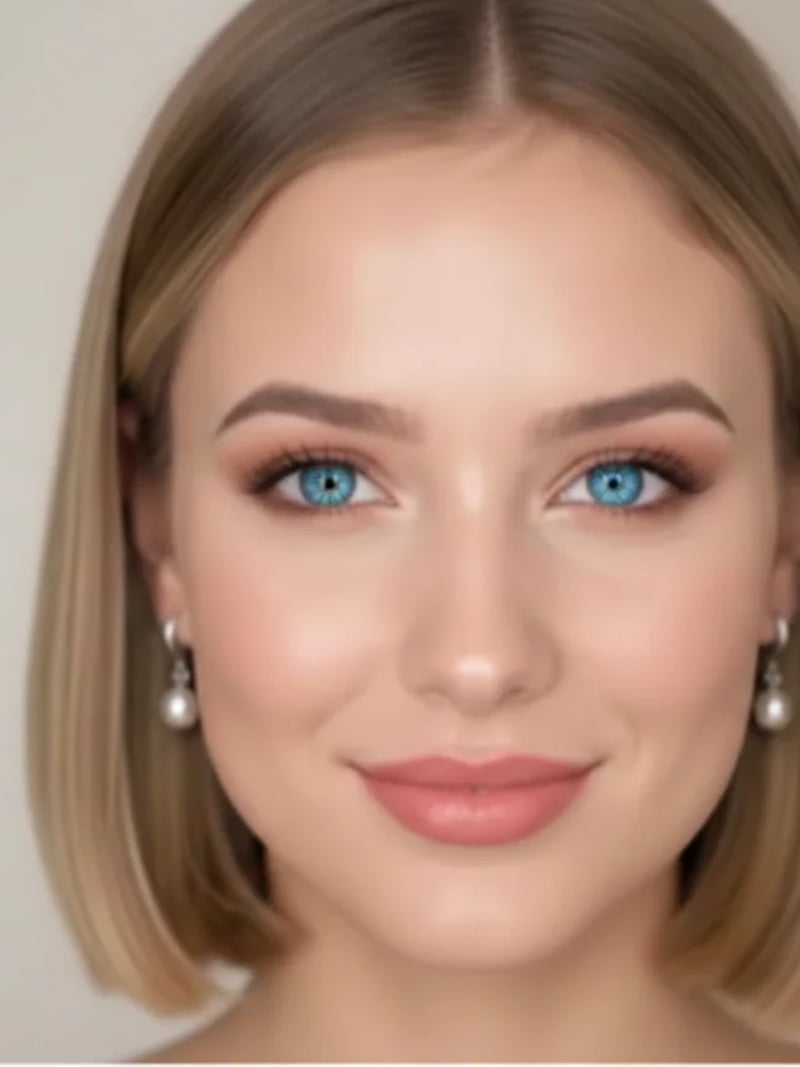 BeforeAfter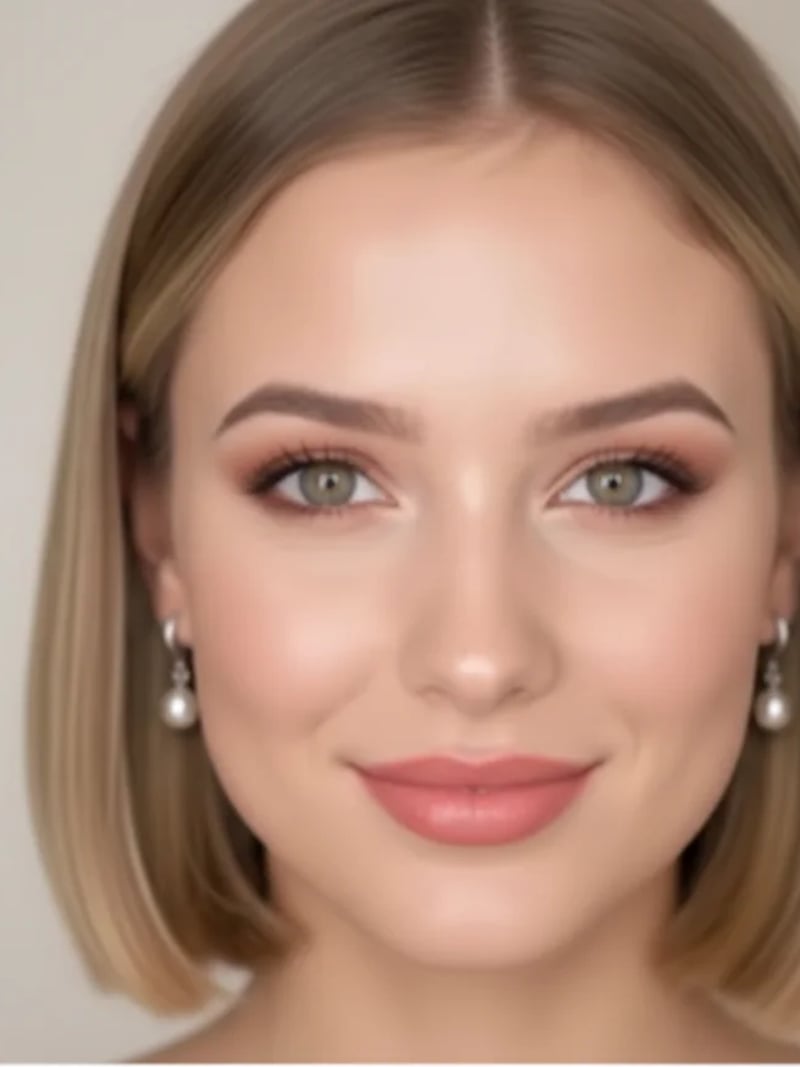
No more data
AI Eye Color Changer — Change Eye Color in Photos Online
Change eye color in any photo with the AI eye color changer — pick blue, green, brown, hazel and more for a natural, realistic result while the face, pose and lighting stay untouched. Free to try — no credit card required.
BeforeAfterHow to use AI Eye Color Changer
- 1Upload a Photo
Start with a clear, close-up photo where the eyes are fully visible.
- 2Choose an Eye Color
Pick from blue, green, brown, hazel, gray, amber and violet — each color is previewed with a sample image.
- 3Generate & Download
AI recolors the iris naturally while keeping the eye shape, face and background exactly the same. Download the result or generate more variations.
FAQ
What is an AI Eye Color Changer?
It is an AI photo tool that changes the eye color of the person in your photo to a shade you pick, while keeping the eye shape, highlights, face and background exactly unchanged.
Will the new eye color look natural?
Yes. The iris is recolored with realistic shading, highlights and reflections — the eyes stay sharp and believable, not flat or painted over.
Which eye colors can I choose from?
Seven shades: blue, green, brown, hazel, gray, amber and violet — from natural everyday colors to striking fantasy tones.
Is the AI Eye Color Changer free to use?
New users get free credits to try the tool. No credit card is required to get started.