Watermark Remover
 BeforeAfter
Best Examples

 BeforeAfter

 BeforeAfter

 BeforeAfter

 BeforeAfter

 BeforeAfter

 BeforeAfter

 BeforeAfter

 BeforeAfter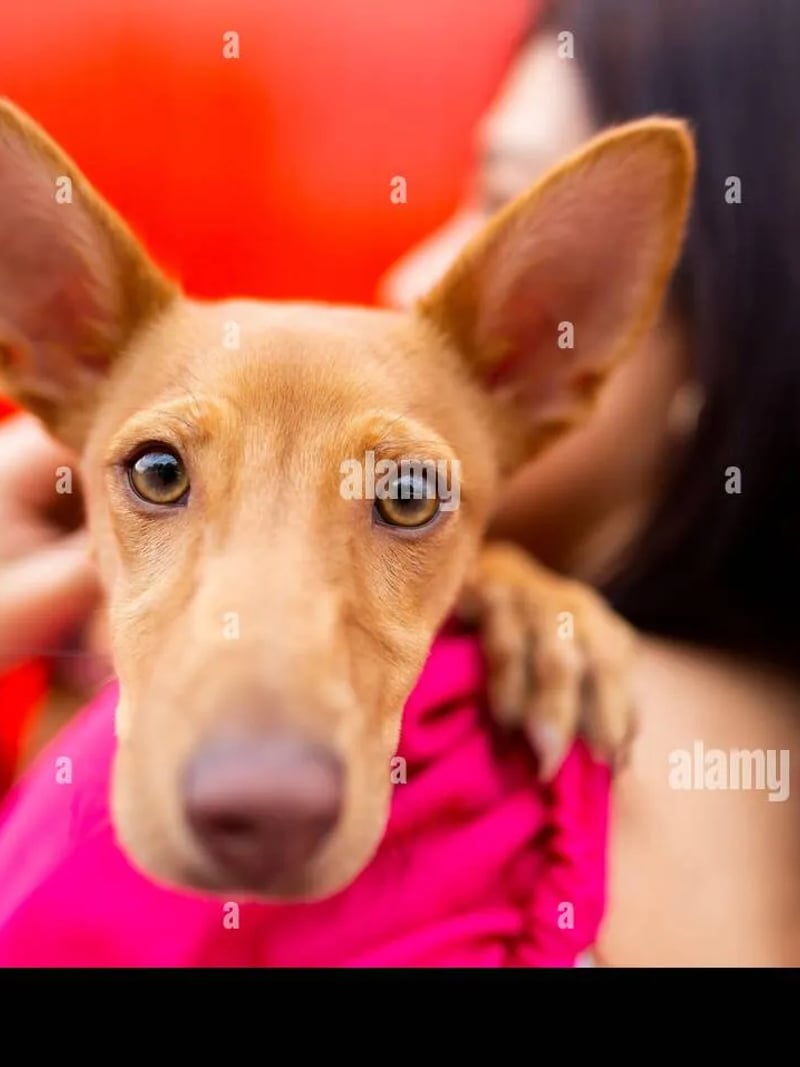

 BeforeAfter

 BeforeAfter

 BeforeAfter

 BeforeAfter
Watermark Remover — Remove AI Watermarks from Photos Online
Remove watermarks from AI-generated images in seconds — Gemini, DALL·E, Stable Diffusion and more. Upload the photo and AI erases the watermark cleanly while the rest of the image stays pixel-perfect. Free to try — no credit card required.
BeforeAfterHow to use Watermark Remover
- 1Upload a Photo
Start with the AI-generated image that has a watermark.
- 2Generate
AI removes the watermark completely and blends the area seamlessly with the surrounding background — nothing else in the photo changes.
- 3Download
Download the clean image, ready to use anywhere.
FAQ
What is a watermark remover?
It is an AI photo tool that erases watermarks from AI-generated images — Gemini, DALL·E, Stable Diffusion and more. The watermark is removed cleanly while the rest of the photo stays exactly the same.
Will the rest of my photo change?
No. Only the watermark is removed — the area blends seamlessly with the surrounding background, so it looks like the watermark was never there.
How many images can I generate at once?
You can generate up to 4 variations per request, making it easy to compare results and pick the best one.
Is the watermark remover free to use?
New users get free credits to try the tool. No credit card is required to get started.